Smart home technology has a marketing problem. It is usually sold as a whole connected lifestyle, with dozens of devices talking to each other while you wave your hand and lights change color.
For most people, that is not the goal. The goal is smaller and more honest: a few things in the house that are slightly less annoying. A light you do not have to get up to turn off. A way to see who is at the door. A house that is a little warmer when you wake up.
You do not need a system. You need one or two things that quietly help. Here is how to start without buying a drawer full of gadgets you will never use.
Quick answer
Start by picking one ecosystem to organize around (the voice assistant or phone platform you already use), then add a single device that solves a real annoyance, such as a smart bulb or a smart plug. Live with it for a few weeks before adding more. Skip anything that does not fix a problem you actually have. A good smart home grows one useful device at a time, not all at once.
The best first device is boring and genuinely helpful, not the flashiest one in the ad.
First, pick one ecosystem
Before buying anything, make one decision: which assistant or platform will be the hub of your setup.
The main options are the big voice assistants and phone ecosystems. You probably already lean toward one based on the phone and speakers you own. That existing tilt is usually the right answer, because it means fewer accounts, fewer apps, and devices that are more likely to cooperate.
Why this matters: smart devices work best when they speak the same language. If you mix platforms randomly, you end up with three apps to turn off two lights. Picking one home base keeps everything in a single place and makes voice control and automations far simpler later.
You do not have to be rigid about it forever. But choosing a default now saves a lot of frustration.
Start with the smallest useful thing
The best first purchase is small, cheap, and solves an annoyance you feel often.
Two classic starting points:
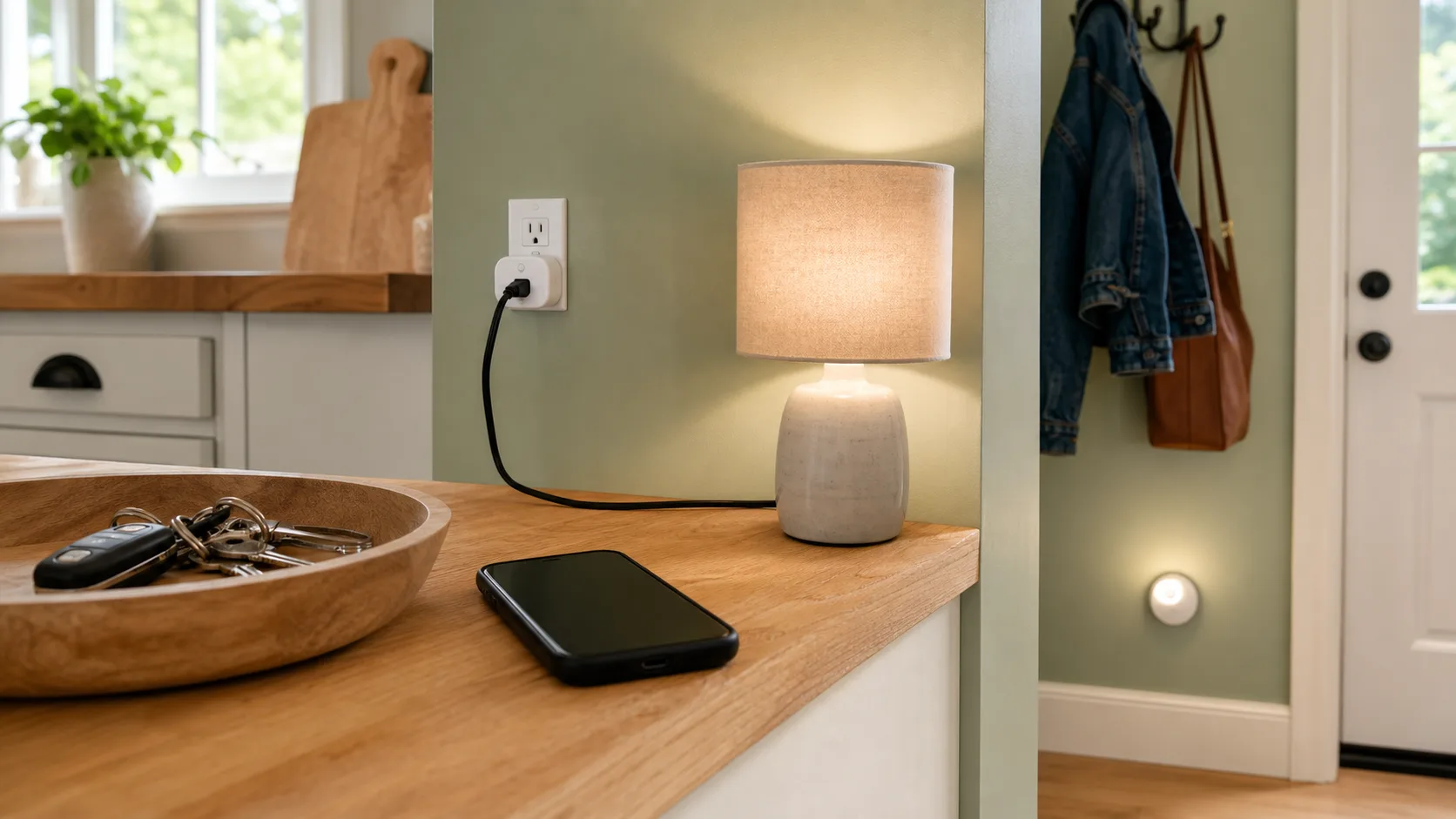
- A smart bulb or smart light, for a lamp or room you are always getting up to turn off.
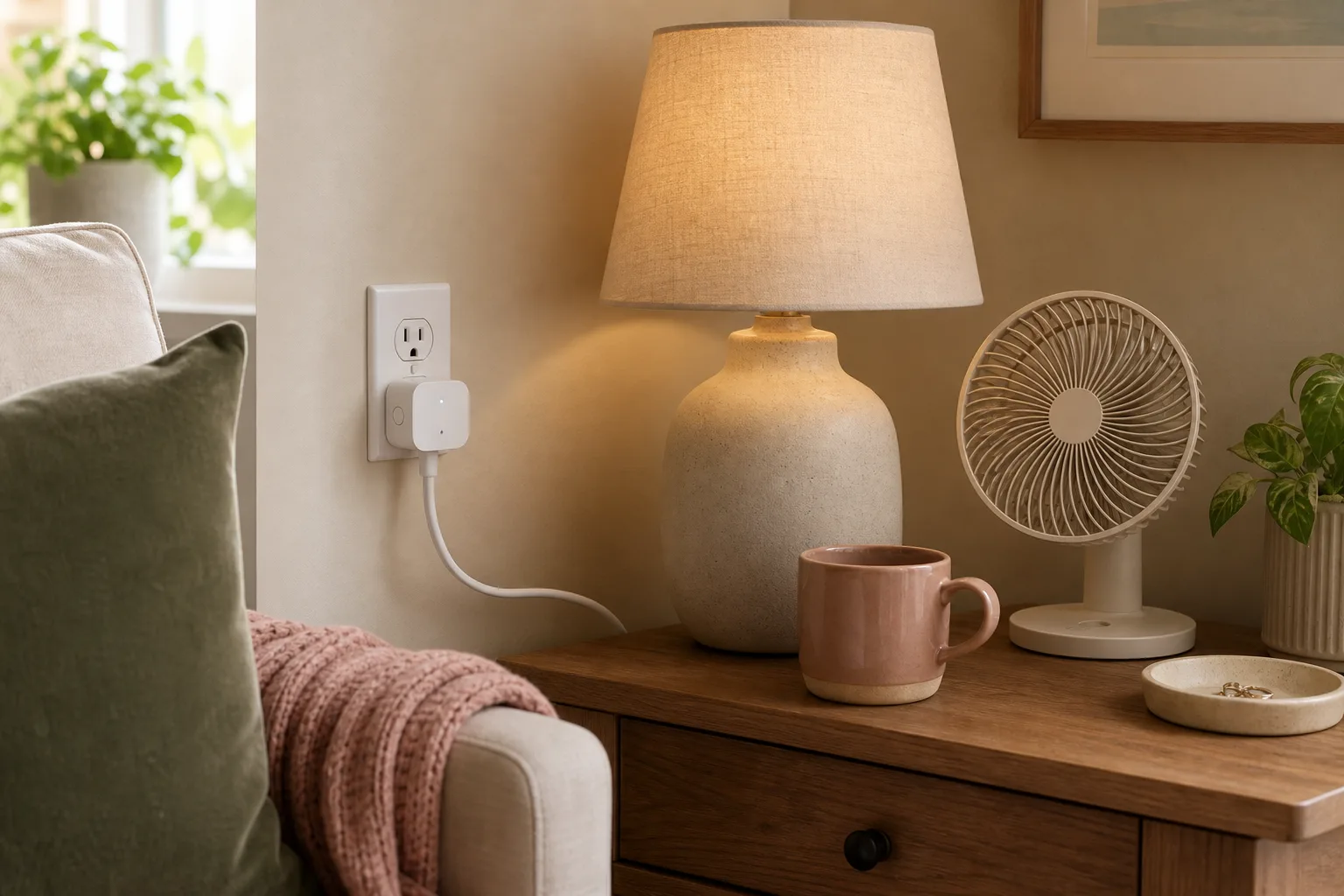
- A smart plug, to make an ordinary lamp or small fan controllable on a schedule or by voice.
These are ideal first devices because they are inexpensive, easy to set up, and immediately useful. You feel the benefit the first night. That small win is what makes the rest of a smart home make sense, rather than feeling like a gimmick.
Resist the urge to buy a starter kit with ten devices. You will set up two and leave the rest in the box.
One safety note: smart plugs are not a shortcut for appliances that create heat or need supervision. Start with lighting. Before automating anything else, read both the plug rating and the appliance manual.
Good next steps, once the basics feel natural
After you have lived with a light or plug for a few weeks, you will have a feel for what you actually want. Common worthwhile additions:
- A smart speaker or display, if you find yourself wanting voice control or a hands-free timer and weather in the kitchen.
- A video doorbell or small camera, if you miss deliveries or want to see the porch. This solves a real, frequent problem for many homes, but it is worth checking privacy settings and notification limits before you add cameras everywhere.
- A smart thermostat, which can genuinely save money and make mornings more comfortable, and is one of the higher-value upgrades.
- A couple more smart bulbs, once you know which rooms you use this in most.
Notice the pattern: each addition answers a question you already have, like "who is at the door" or "why is the house cold when I wake up." That is the right reason to add a device.
What to skip at the start
A lot of smart home spending is on things that sound clever but quietly go unused.
For most beginners, it is fine to skip:
- Elaborate multi-device automations before you even have the devices
- Smart versions of things you rarely interact with
- Niche sensors with no clear daily job
- A second ecosystem layered on top of your first
- Anything you are buying mainly because it was on sale
A smart device that does not solve a real problem is just another thing to charge, update, and troubleshoot. When in doubt, wait. The technology is not going anywhere, and prices generally fall.
A few practical setup tips
A smoother experience comes down to a handful of basics.
- Use strong, unique passwords for your smart home and Wi-Fi accounts, and turn on two-factor login where it is offered. These devices touch your home, so security is not optional.
- Keep the apps and devices updated, since updates fix both bugs and security holes.
- Name devices clearly, like "living room lamp," so voice commands and automations are predictable.
- Put devices on solid Wi-Fi. Many smart home frustrations are really just weak signal in a far corner of the house.
- Check whether something needs a hub. Some devices connect directly; others need a small bridge. Knowing before you buy avoids surprises.
None of this is complicated, but a little setup care prevents most of the "smart home is so frustrating" stories.
Keep it about real life
The point of all this is not to have an impressive setup. It is to remove small daily friction.
A good question before any purchase: what annoyance does this remove? If you can answer clearly, it is probably worth it. If the honest answer is "it seems cool," it can wait.
A smart home that helps is usually unremarkable. A light that turns off on schedule. A porch you can check from your phone. A house that warms up before your alarm. You stop noticing the technology, which is exactly the point.
What to try first
Pick the one moment in your day that bugs you most, like the lamp you always leave on or the light switch across a dark room.
Choose a single smart bulb or plug that fixes exactly that, set it up with the assistant you already use, and live with it for a couple of weeks.
If it quietly makes that moment easier, you will know what to add next. If it does not, you have spent very little finding out, and that is the whole idea.