Smart plugs are one of the few smart home things I actually like recommending to beginners.
Not because they make a home feel futuristic. Honestly, most homes do not need to feel futuristic. They need the lamp to turn on before the room feels gloomy, the coffee corner to be ready at the same time every morning, and the holiday lights to stop requiring a crawl behind the sofa.
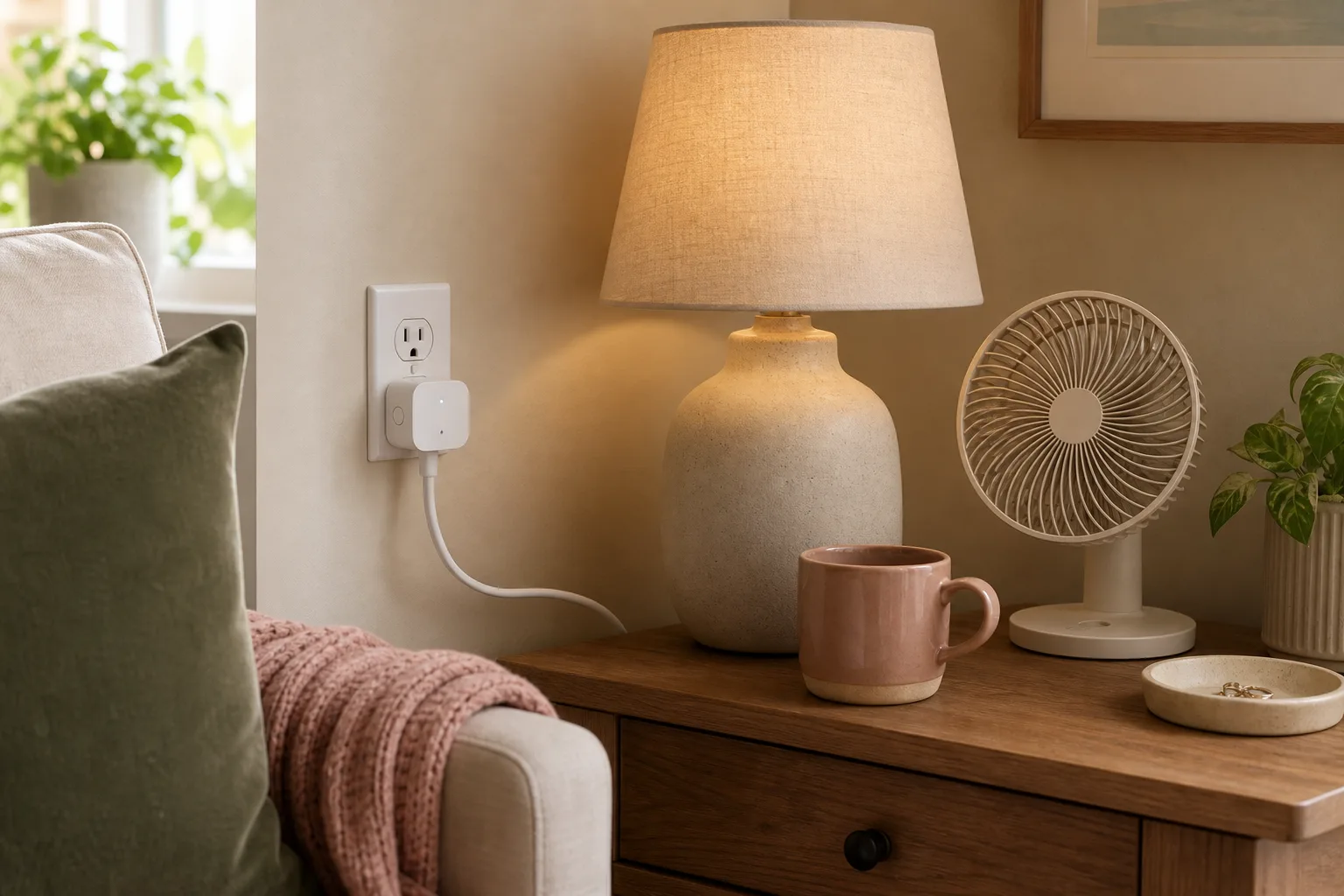
That is where smart plugs are useful. They are small, usually affordable, and easy to understand: plug the smart plug into the wall, plug a simple device into the smart plug, and control that device from an app, schedule, voice assistant, or button.
The trick is not to automate everything. The trick is to choose one annoying moment and make it easier.
Quick answer
Smart plugs are best for low-risk plug-in devices that are safe to turn on and off automatically, like lamps, small fans, holiday lights, wax warmers that have their own safety features, and some coffee routines if the appliance is designed to be left set up. They are not a good shortcut for high-wattage or safety-critical appliances.
If you are new to smart plugs, start with one lamp. Once that feels useful, add one more plug only where it solves a real daily problem.
Start with one routine, not a box of gadgets
It is tempting to buy a pack of smart plugs and walk around the house looking for things to automate. I have done the home-technology version of that mistake: buy the tool first, invent the use later, then forget why it seemed exciting.
I would start with a specific sentence instead:
"I wish this turned on before I entered the room."
Or:
"I always forget to turn this off."
Or:
"This is awkward to reach."
Those are smart plug problems.
Examples:
- A living room lamp behind a sofa
- A bedroom lamp you want on before bedtime
- A small fan you use every afternoon
- Holiday lights plugged in behind furniture
- A reading lamp in a dark corner
- A coffee station that is safe to prepare ahead
If you cannot name the annoyance, wait before buying more.
1. Use one for the lamp you touch every day
The easiest first smart plug is a lamp.
Lamps are simple. They usually draw modest power. They also create a noticeable difference in how a room feels. A lamp that turns on before sunset can make the house feel softer before you even think about it.
I like this use in three places:
- A living room lamp that turns on in the late afternoon
- A bedroom lamp that turns off automatically after bedtime
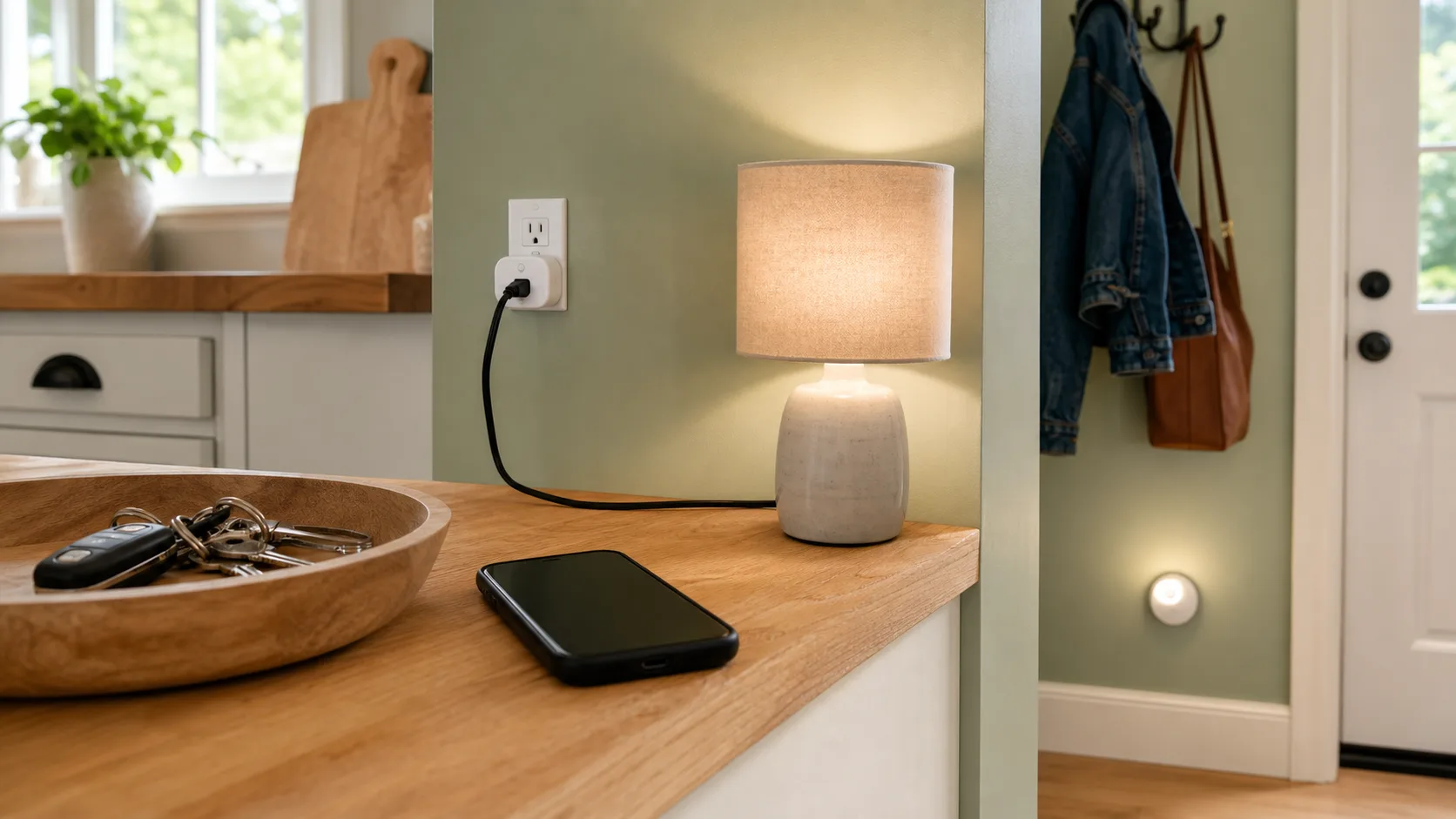
- An entryway lamp that turns on before you come home
This is the kind of automation that feels gentle rather than bossy. You are not asking the house to run itself. You are just removing one small repeated action.
My favorite version is a lamp schedule that changes the mood before the room gets dark. It is a tiny thing, but it makes the evening feel less abrupt.
2. Try one awkward outlet
Some outlets are technically usable but annoying in real life.
Behind the sofa. Behind a heavy cabinet. Under a desk. Behind the Christmas tree. In a corner where you have to bend sideways and hope you pull the right cord.
Those are good smart plug spots because remote control actually solves the problem.
For example, holiday lights are much easier when you do not have to reach behind branches every night. A lamp behind a sofa is easier when you can turn it off from your phone or a small voice command. A fan behind a chair is easier when you do not have to move the chair.
I would not use a smart plug just because something can be automated. I would use it where the physical switch is irritating.
3. Use schedules for routines that repeat
Schedules are where smart plugs start feeling quietly useful.
You might set:
- A lamp to turn on at 6:30 a.m.
- A living room light to turn on around sunset
- Holiday lights to turn off at 10 p.m.
- A small fan to turn on before the warmest part of the afternoon
- A desk lamp to turn off at the end of the workday
The best schedules are the ones you forget about because they work in the background.
I would keep the first schedule simple. One on time, one off time. If it starts getting complicated, it may be solving the wrong problem.
Also, think through what happens if the schedule runs when you are not home. If the device would make you nervous unattended, do not put it on a smart plug schedule.
4. Be careful with coffee makers
Coffee is one of the first smart plug ideas people mention, and I understand why. Waking up to a ready coffee corner sounds delightful.
But this depends on the coffee maker.
A smart plug can only turn power on and off. It cannot press a mechanical start button unless the machine is already designed to begin brewing when power returns. Many modern coffee makers will not start that way, and that is probably a good thing.
If you want to use a smart plug with coffee, ask:
- Is the coffee maker designed to be prepared ahead?
- Does it safely start when power is restored?
- Is there enough water in the reservoir?
- Is the carafe in place?
- Would I be comfortable if it turned on while I was in another room?
For many homes, a programmable coffee maker is simpler and safer than forcing the routine through a smart plug.
That said, a smart plug can still help a coffee corner in a smaller way. You might use one for a little lamp near the coffee station, or to cut standby power to a grinder that you only use in the morning.
5. Use smart plugs for seasonal things
Seasonal decor is one of the best smart plug uses because the annoyance is temporary but very real.
Holiday lights, window candles, a small decorative tree, porch-safe outdoor lights with an outdoor-rated plug, or a seasonal lamp can all become easier with a schedule.
My rule for seasonal plugs is simple:
Use the right plug for the location.
Indoor smart plugs stay indoors. Outdoor lights need an outdoor-rated smart plug and an outdoor-safe setup. If a plug or outlet area might get wet, do not improvise.
This is also a good place to label plugs in the app. "Living room tree" is more helpful than "Smart Plug 3" when you are tired and trying to turn something off.
6. Know what not to plug in
This is the serious section, and I would rather be conservative.
Do not use a smart plug as a shortcut for devices that draw a lot of power, create heat, or need constant reliable power.
I would avoid using standard smart plugs with:
- Space heaters
- Air conditioners
- Electric kettles
- Toasters or toaster ovens
- Hair dryers or styling tools
- Microwaves
- Refrigerators or freezers
- Medical devices
- Sump pumps
- Security systems
- Anything that would be dangerous if it turned on or off unexpectedly
Even if a smart plug says it can handle a certain load, you still need to read both the smart plug manual and the appliance manual. Some appliances should be plugged directly into a wall outlet and should not be controlled remotely.
For portable electric heaters in particular, official safety guidance is very clear about avoiding extension cords and power strips and using a wall outlet directly. I treat that as a sign to keep heaters out of beginner smart plug projects.
When in doubt, choose a lamp.
7. Look for the practical features
When you eventually compare smart plugs, I would not start with the flashiest features.
I would look for:
- Clear electrical ratings
- Compatibility with the phone or voice assistant you already use
- A simple app
- Scheduling
- Manual button on the plug
- Good reviews about reliability
- The right size so it does not block the second outlet
- Outdoor rating if you need it outside
Energy monitoring can be nice, especially if you are curious about what devices use over time, but it is not required for a first plug.
Matter, Wi-Fi, hubs, ecosystems, and voice assistants can get confusing quickly. If this is your first smart plug, choose one that works with what you already have. Do not rebuild your whole smart home just to turn on a lamp.
8. Label each plug clearly
This sounds tiny, but it matters.
If the app says:
- Plug 1
- Plug 2
- Living room
- Outlet
you will eventually forget what is what.
Use names that describe the actual device:
- Sofa lamp
- Bedroom fan
- Coffee lamp
- Window candles
- Tree lights
- Desk lamp
Good names make voice commands easier too. "Turn on the sofa lamp" is much more natural than remembering which plug controls which corner.
If you move the plug to a new place, rename it immediately. Otherwise the app slowly becomes a junk drawer.
A simple starter setup
If I were setting up smart plugs for someone who had never used them before, I would start with only two:
First, one lamp in the room where you relax in the evening.
Second, one awkward-to-reach seasonal or occasional plug, like holiday lights or a fan behind a chair.
That is enough to learn the app, schedules, naming, and whether you actually enjoy this kind of automation.
After two weeks, ask:
- Did this remove a real annoyance?
- Did I use it without thinking?
- Did anyone else in the house understand it?
- Did it ever turn on or off at a bad time?
If the answer is mostly yes, add another. If not, stop there.
What to try first
Tonight, choose one lamp.
Plug it into a smart plug, give it a clear name, and set one simple schedule: on before the room usually gets dark, off around bedtime.
That is it.
Do not automate half the house. Do not create a complicated routine. Do not buy a giant set because one lamp worked.
Let the first plug prove itself.
The best smart home upgrade is not the one that impresses guests. It is the one you barely notice because one tiny annoyance stopped asking for your attention every day.