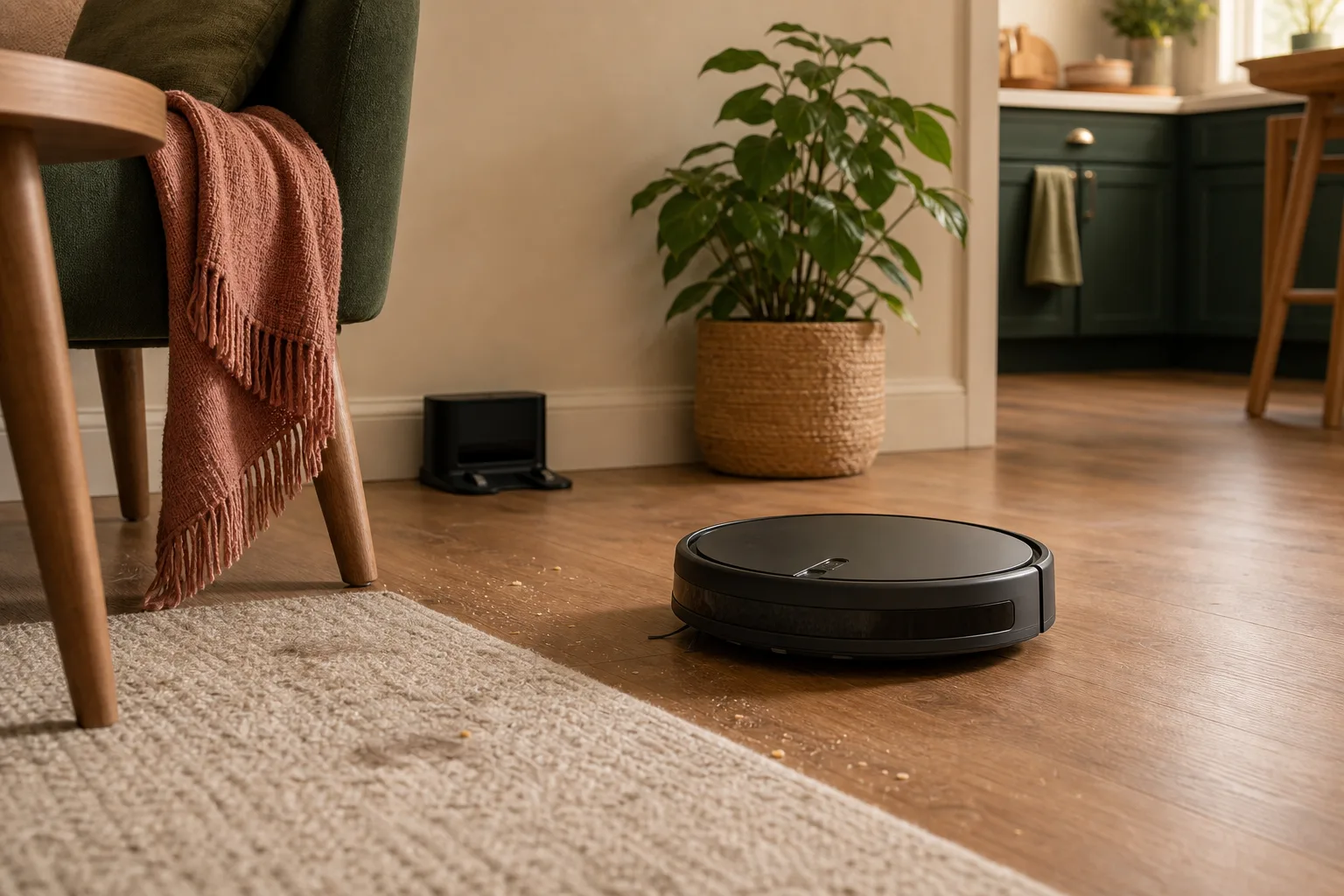
A robot vacuum is one of those home products that can be genuinely helpful and wildly over-marketed at the same time.
The idea is wonderful: a small machine quietly handles crumbs, dust, pet hair, and the daily floor mess while you do something else. But the buying process can get confusing fast. Mapping. LiDAR. Cameras. Self-emptying docks. Mop pads. App zones. Object avoidance. Suction numbers. Auto-wash docks. Monthly maintenance. Replacement filters. Privacy settings.
It is very easy to pay for features you will never use.
I would not start by asking, "What is the best robot vacuum?" I would start with a better question: "What problem do I need this to solve in my actual home?"
Quick answer
Choose a robot vacuum based on your floors, obstacles, pets, thresholds, maintenance tolerance, and privacy comfort. Basic models can work in simple spaces with mostly hard floors. Mapping models help when you want room-by-room cleaning. Self-emptying docks are useful if you hate emptying the bin or have pets. Advanced object avoidance is worth considering if cords, socks, toys, or pet messes are common.
Do not overbuy for features that sound impressive but do not match your home.
Start with your floor reality
Before looking at features, look at your floors.
Robot vacuums behave differently depending on the home:
- Mostly hard floors
- Low-pile rugs
- Thick rugs
- Mixed hardwood and carpet
- Lots of thresholds
- Open layout
- Small rooms with many chair legs
- Stairs or split levels
If your home has mostly open hard floors, you may not need the most expensive model. If you have rugs, pets, and chair legs everywhere, the decision gets more specific.
I would walk through the house and notice the places a robot vacuum might struggle:
- Rug edges
- Loose cords
- Chair legs
- Floor-length curtains
- Toy areas
- Pet bowls
- Bathroom mats
- High thresholds
- Tight furniture gaps
This little walk tells you more than a product page.
1. Decide whether mapping matters
Some robot vacuums clean in a more basic pattern. Others map your home and let you send the vacuum to specific rooms or zones.
Mapping is useful if:
- You want to clean only the kitchen after dinner
- You want bedrooms skipped during nap time
- You want a regular room-by-room schedule
- You have a larger home
- You want no-go zones
- You do not want the vacuum wandering randomly
Mapping may be less important if:
- You have a small apartment
- You mostly clean one open area
- You are fine pressing start and letting it run
- You do not need room-level control
Personally, I think mapping becomes more valuable as the home gets more complicated. In a small simple space, it may be a nice extra. In a larger home with different routines, it can be the feature that makes the robot feel useful instead of annoying.
2. Think honestly about pets and hair
Pets change the robot vacuum conversation.
If you have a shedding dog, long-haired cat, or people with long hair in the house, look closely at brush design, bin size, filter replacement, and how easy the roller is to clean.
Pet hair can fill a small bin quickly. Hair can wrap around brushes. Fine dust and dander can make filters matter more. A robot vacuum may still help a lot, but it will not become maintenance-free.
For a pet home, I would consider:
- Strong hair pickup on rugs
- Easy brush removal
- Replacement brush availability
- Replacement filters
- A self-emptying dock if the bin fills fast
- Good obstacle detection if pet bowls or toys stay out
If pets have accidents indoors, be especially careful. A robot vacuum that runs over a pet mess can turn a small problem into a terrible one. In that kind of home, object detection and supervised schedules matter more.
3. Know what self-emptying docks really solve
A self-emptying dock is not just a fancy add-on. For some homes, it is the difference between using the robot and forgetting about it.
It helps if:
- You have pets
- You have allergies or hate dust clouds
- You run the vacuum often
- The onboard bin fills quickly
- You dislike emptying small bins
- You want the routine to feel more automatic
But it also adds:
- Higher price
- A larger dock
- Replacement bags or parts, depending on the model
- More noise when the robot empties
- Another thing to fit into your room
If your home is small and you do not mind emptying the bin, skip it. If you have pet hair and know you will not empty the robot every day, the dock may be worth more than extra suction numbers.
4. Be realistic about mopping
Robot vacuum mopping sounds more magical than it usually is.
Some models drag a damp pad. Some lift the mop over carpet. Some docks wash or dry pads. Some are better for light maintenance than real cleaning.
I would think of most robot mopping as a light upkeep tool, not a replacement for cleaning sticky spills or deep bathroom grime.
It may help if:
- You have mostly hard floors
- You want light dust and footprint maintenance
- You are willing to manage water tanks and pads
- You do not expect it to scrub like a person
It may disappoint if:
- You have many rugs
- You need deep cleaning
- You dislike washing pads
- Your floors often have sticky food mess
If the vacuuming part is your real need, do not overpay for mopping just because it sounds complete.
5. Check maintenance before buying
This is the part product pages do not always make emotional enough.
Robot vacuums need maintenance.
You may need to:
- Empty bins
- Replace filters
- Clean sensors
- Remove hair from brushes
- Replace side brushes
- Wash or replace mop pads
- Clear dock bags or bins
- Keep charging contacts clean
Before buying, look up the replacement parts and maintenance steps for the model family you are considering. If filters, brushes, bags, or pads are hard to find or expensive, that changes the real cost.
This is one reason I would rather buy a reliable mid-range robot with easy parts than a mysterious bargain model with no clear replacement supplies.
6. Look at thresholds, rugs, and furniture height
A robot vacuum needs to physically move through your home.
Before buying, check:
- Can it get under the sofa?
- Can it fit under beds?
- Will it climb your rug edges?
- Are thresholds too tall?
- Is there a good place for the dock?
- Will doors block its path?
- Are there cords everywhere?
The dock location matters more than people expect. It needs enough open space for the robot to leave and return. It should not be hidden behind a chair, squeezed between baskets, or placed where someone will constantly kick it.
If you do not have a good dock spot, even a good robot can become annoying.
7. Think about privacy and apps
Most modern robot vacuums are connected devices. Some use cameras or mapping. Many require an app for setup, schedules, maps, rooms, and updates.
Before buying, I would check:
- Does it require an account?
- What data does the app collect?
- Does the model use a camera?
- Can maps be deleted?
- Are there privacy settings?
- Does the company provide software updates?
- Can the robot work in a basic way without every smart feature?
This is not meant to be scary. It is just part of buying connected home technology. If a product maps your home, uses cameras, or connects to Wi-Fi, it deserves a little privacy attention.
8. Choose the budget tier by problem, not excitement
Here is how I would think about budget tiers without naming specific models.
Budget/basic
Good for:
- Small spaces
- Mostly hard floors
- Light crumbs and dust
- People who do not need room maps
- Trying the category without spending a lot
Watch for:
- Random cleaning patterns
- Smaller bins
- Weaker app features
- Less refined obstacle handling
Mid-range mapping
Good for:
- Most normal homes
- Room-by-room cleaning
- Schedules
- No-go zones
- Mixed floors
- Better navigation
Watch for:
- Replacement part costs
- App quality
- Dock size
- Whether self-emptying is included or optional
Higher-end dock systems
Good for:
- Pet hair
- Larger homes
- People who want less daily emptying
- More automatic routines
- Some mopping maintenance
Watch for:
- High price
- Large dock footprint
- Bags, pads, filters, and cleaning solution costs
- Features you may not actually use
The sweet spot for many homes is not the cheapest model or the most expensive one. It is the model that solves the daily floor problem without adding a new maintenance project you resent.
Ready to compare
Robot vacuums for normal homes
at Amazon
Once you know which tier fits your floors and mess, compare current models and check today's price before you decide.
What I would skip
I would be cautious about paying extra for:
- Features you do not understand
- Mopping if you mostly have carpet
- A huge dock if you have nowhere good to put it
- Advanced mapping for a tiny simple apartment
- A camera model if you are uncomfortable with connected cameras
- Bargain models with unclear replacement parts
- Any model that requires maintenance you already know you will avoid
The most expensive robot vacuum is not always the easiest one to live with.
A simple buying checklist
Before buying, answer these:
- What floor problem am I solving?
- Do I have pets or long hair in the home?
- Do I need room-by-room mapping?
- Will I empty the bin often, or do I need a dock?
- Do I want mopping, or just vacuuming?
- Where will the dock live?
- Can it handle my rugs and thresholds?
- Are replacement filters and brushes easy to buy?
- Am I comfortable with the app and privacy policy?
- What feature would I actually use every week?
If you cannot answer the last question, wait.
What to try first
Before buying, do a robot vacuum walk-through.
Pick up cords, look under furniture, check rug edges, and notice where crumbs and hair actually gather. Then decide which features match that reality.
If your home only needs help with kitchen crumbs and daily dust, start simple. If pet hair, room schedules, and bin emptying are the real pain points, spend on those specific features.
A robot vacuum should make the floor routine easier. It should not become another complicated gadget you have to manage.